Blog
How to build a waitlist before launch that actually converts (a 4-week plan)
A 4-week plan for indie builders to build a pre-launch waitlist: a one-field signup page, where to share it, what to email, and how to turn signups into launch-day users.
Nov 28, 2026 · All posts

How do you build a waitlist before launch?
A waitlist is the cheapest way to make sure launch day is not silent. Instead of shipping to nobody, you ship to a list of people who already said "tell me when it's ready."
Most pre-launch waitlists fail for two reasons. The signup page is vague, so the wrong people join. Then the builder goes quiet for two months, so the right people forget why they joined. This guide gives you a 4-week plan to build a waitlist before launch that turns into real users on day one.
If you are still unsure whether your product is close enough to ship, read how to know when your MVP is ready to launch first. A waitlist works best when launch is 3 to 8 weeks away, not 6 months.
Week 1: Build a one-field waitlist page
Your waitlist page has one job: get the right person to leave an email. Everything else is noise.
What to put on the page
- One headline that names the user and the result. Use the formula from how to write a one-line product description.
- Three short bullets that say what the product does, in the user's words.
- One visual: a real screenshot, a short screen recording, or a sketch of the main screen. Real beats polished.
- One email field and one button. Do not ask for name, company, or role. Every extra field costs signups.
- A launch window, such as "launching in January." A date makes the list feel alive.
What to leave out
- Pricing tables (you can mention "free during beta" or a planned price in one line).
- A long FAQ. Save it for the real product page.
- Fake counters like "1,200 people already joined." People can tell, and it breaks trust before you start.
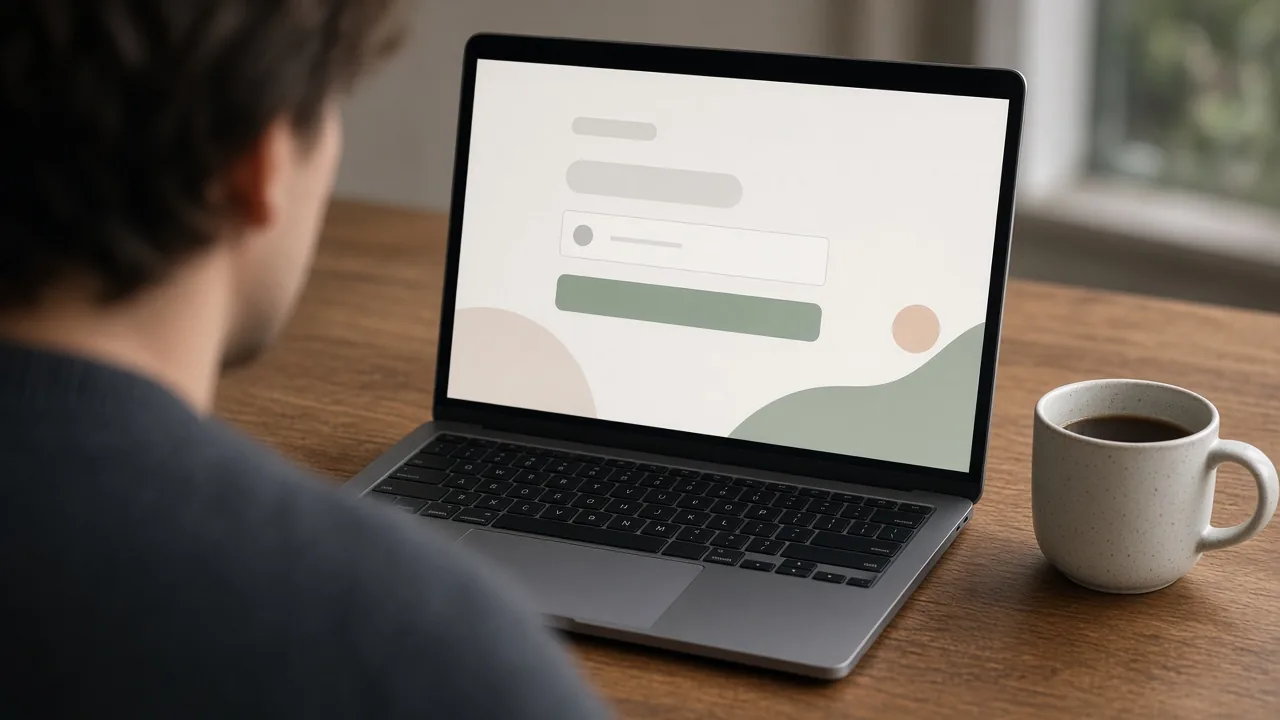
Keep the signup to one field. Every extra question lowers the number of people who finish.
Tools and setup
Any form tool that stores emails and can send a confirmation is enough. Before you share the page, check three things:
- The confirmation email arrives and does not land in spam.
- The page loads fast on a phone.
- You can export the list as a CSV. You will need it on launch day.
Week 2: Ask one question after signup
The thank-you screen is the most valuable space on the page, and most builders waste it.
After someone joins, show one optional question:
- "What are you using today to solve this?" or
- "What's the one thing you hope this does for you?"
Answers tell you who is on the list and what words they use. Copy those words into your headline and launch post later.
Then do the thing that makes waitlists convert: reply personally to the first 50 signups. Two lines are enough:
> Thanks for joining. I'm building this alone and launching in January. What made you sign up?
People who answer a personal email are far more likely to show up on launch day. They also become your first testers and, later, your first testimonials. When that time comes, use how to get testimonials for a new product.
Week 3: Share the page where your users already are
A waitlist does not grow by itself. Give yourself a simple sharing plan and track signups per channel.
Where to share
- Your build in public posts. Add the waitlist link to every progress update. A weekly build in public update with one clear ask ("join the waitlist") works better than a one-off promo post.
- Communities you already belong to. Answer real questions first, then share the link when it fits the thread.
- Builder profiles and product pages. Add your upcoming product to your profile on ibuildinpublic builders and list it on ibuildinpublic products, so people browsing new projects can find it.
- Direct messages to 10 to 20 people who fit your user, using the approach from how to get your first 10 users.
What to track
Use a simple sheet with these columns: date, channel, link clicks, signups, notes. Add a tag to each link (for example `?ref=x` or `?ref=community`) so you can see what worked. After a week, drop the channel with zero signups and double down on the best one.
A useful target for a small indie product: 100 to 300 signups from people who match your user. A smaller list of the right people beats a big list of strangers.
Week 4: Warm up the list before launch
The biggest waitlist mistake is silence. If your first email arrives on launch day, half the list will not remember signing up.
Send two short emails before launch:
- The progress email (about 10 days before). One screenshot, one thing you shipped, one sentence on the launch date. Ask one question they can answer with a reply.
- The "it's tomorrow" email (the day before). Say what time you will send access, and what you want from them: try it, reply with one piece of feedback, or upvote if you launch on a directory.

Two short, personal emails before launch keep the list warm, so launch day is not the first time they hear from you.
Keep both emails plain text, short, and signed with your name. They should feel like a note from a person, not a newsletter.
Launch day: Turn signups into users
On launch day, send the access email early in your users' main time zone. Then:
- Give a reason to act today, such as an early-supporter price or a founding-user badge. Keep it honest and specific.
- Make the first step tiny. One link that goes straight to signup, not to a homepage.
- Ask for one reply. "Hit reply and tell me the first thing that confused you" gives you feedback and starts conversations.
- Follow up after 48 hours with people who did not open or did not sign up. One short reminder, then stop.
If you are launching on directories the same week, pick them with this scoring method and point waitlist members to the one that matters most.
Quick checklist
- One headline, three bullets, one visual, one email field.
- One optional question on the thank-you screen.
- Personal replies to the first 50 signups.
- Waitlist link in every build in public update.
- Tagged links and a simple tracking sheet.
- Two warm-up emails before launch day.
- A launch-day email with one tiny first step.
A waitlist is not a vanity number. It is a list of conversations you start before launch. Start the page this week, and browse more launch guides on the ibuildinpublic blog or common questions in the FAQ.