Blog
How to know when your MVP is ready to launch: a ship-or-wait checklist for indie builders
A ship-or-wait checklist for indie builders: define the one job your MVP must do, run a five-person test, fix only blockers, set a launch date, and ship.
Nov 23, 2026 · All posts

How do you know when your MVP is ready to launch?
Almost every builder asks this question too late. The product works on your machine, the landing page is half done, and there is always one more feature that feels essential. Weeks pass. The longer you wait, the more the launch feels like a verdict on you rather than a test of an idea.
Your MVP is ready when a stranger can reach one clear result without your help, and nothing in the path loses their data or their money. That is the whole bar. Polish, extra features, and a perfect design are not on it. This guide turns that bar into a checklist you can finish in one week.
Step 1: Write down the one job your MVP must do
Before you test anything, write one sentence: "A new user can [do one thing] and get [one result] in under [N] minutes." For example: "A new user can paste a podcast link and get a clean transcript in under five minutes."
How to use the sentence
- Every feature that is not on the path to that result moves to a "later" list. Do not delete it, just park it.
- If you cannot write the sentence, you are not deciding whether to launch. You are still deciding what the product is. Fix that first.
- Put the same sentence near the top of your product page. If it does not work as a pitch, it will not work as a test either. Our product page checklist covers the rest of that page.
Step 2: Run the ship-or-wait checklist
Go through the list below honestly. Each item is a yes or a no. "Mostly" counts as no.
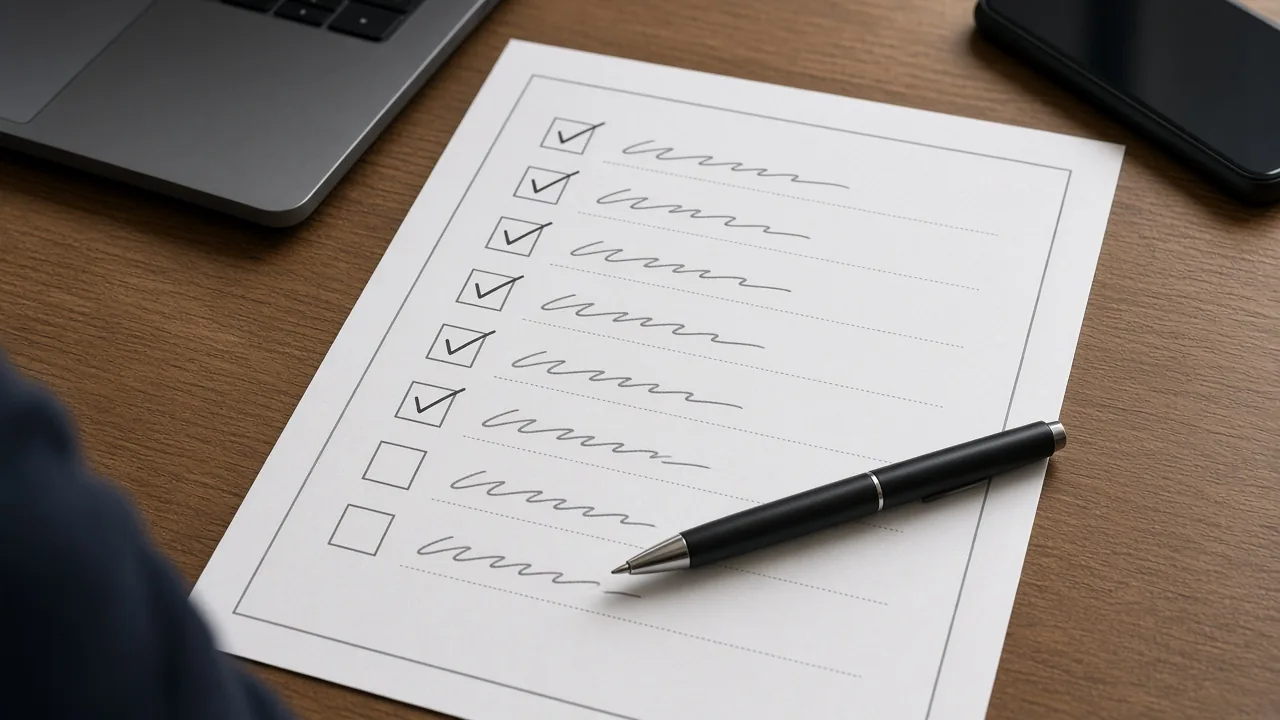
Two empty boxes are normal. What matters is whether they are blockers or nice-to-haves.
Blockers: these must be a yes
- The core path works end to end on a fresh account, in a private browser window, on the device most of your users will use.
- Sign up and log in work, including password reset or magic link emails landing in the inbox, not spam.
- Data is safe. Users cannot see each other's data, and what they create is still there tomorrow. Back up your database at least daily.
- Payments work, if you charge. Run one real purchase with a real card and refund it. Check the receipt email.
- You will hear about errors. Error tracking or at least an email alert when something crashes.
- Someone can reach you. A contact email or feedback link visible inside the app.
Not blockers: launch without them
- Dark mode, settings pages, team accounts, integrations, a mobile app.
- A custom logo or illustration set.
- Edge cases that only matter at a scale you do not have.
- Onboarding tours. A clear empty state with one button is enough.
If every blocker is a yes, you are ready. If one is a no, fix that item only, then come back to the list.
Step 3: Watch five people try it
The checklist tells you the product does not break. It does not tell you whether a stranger understands it. For that you need five people who have never seen it.

Sit next to them, give one sentence of context, and stay quiet.
How to run the five-person test
- Find people who roughly match your target user. Builders you follow, a community thread, or people in the ibuildinpublic builders directory working on similar problems.
- Send them the link with one instruction: the job sentence from Step 1. Nothing else.
- Watch on a call with screen sharing, or in person. Do not explain or rescue them.
- Write down every moment they hesitate, every question they ask, and where they stop.
- At the end, ask: "What did you expect to happen that didn't?"
How to read the results
- 3 or more of 5 reach the result alone: ship. Fix the most common hesitation first, in the days after launch.
- 1 or 2 reach it: there is one confusing step. Fix it, then test with two new people. Do not restart from zero.
- Nobody reaches it: the problem is the path, not polish. Shorten it to fewer steps before you test again.
Step 4: Set a launch date and protect it
A date turns "almost ready" into a plan. Pick one 7 to 10 days out, write it publicly, and work backwards.
A simple launch week plan
- Day 1 to 3: fix blockers and the top hesitation from the five-person test.
- Day 4: freeze features. Only bug fixes from here.
- Day 5: finish the product page: one-sentence pitch, a real screenshot, price, and a clear call to action.
- Day 6: prepare where you will post. Pick two or three launch directories and communities, and write each post in advance.
- Day 7: launch, reply to every comment, and log where you shared it.
Announcing the date in public helps. Post it with your progress in the ibuildinpublic links feed so the people following your build know when to look, and so you feel the small, useful pressure of a promise.
Step 5: Decide what "done" means for launch day
Launch is not the finish line, so define a short-term goal that tells you whether the idea is worth more time. Choose numbers before you launch, not after.
- Reach: how many people should see the product page in the first week (for example, 300 visits).
- Activation: how many should reach the job sentence result (for example, 20).
- Signal: how many should reply, pay, or come back a second time (for example, 5).
If you hit them, keep building on the path that worked. If you miss, you have exactly the data a launch postmortem needs. Either way you learned more in a week than another month of private polishing would have taught you.
Common reasons builders wait too long
- "It's embarrassing." Early users of an MVP expect rough edges. They do not forgive lost data or broken payments, which is why those are the only blockers.
- "I need one more feature." Ask: does a user need it to reach the job sentence? If not, it goes on the later list.
- "Nobody will notice anyway." Then the cost of launching is low. Launch, learn, and relaunch with a better page.
- "I haven't picked a price." Pick one in an afternoon with our SaaS pricing guide; you can change it later.
Next step
Copy the checklist into your notes, run it today, and book five test sessions this week. When you ship, list the product on ibuildinpublic products so other builders can find it, and use the first 10 users plan for the weeks after. Questions about listing are answered in the FAQ, and more guides are on the blog.